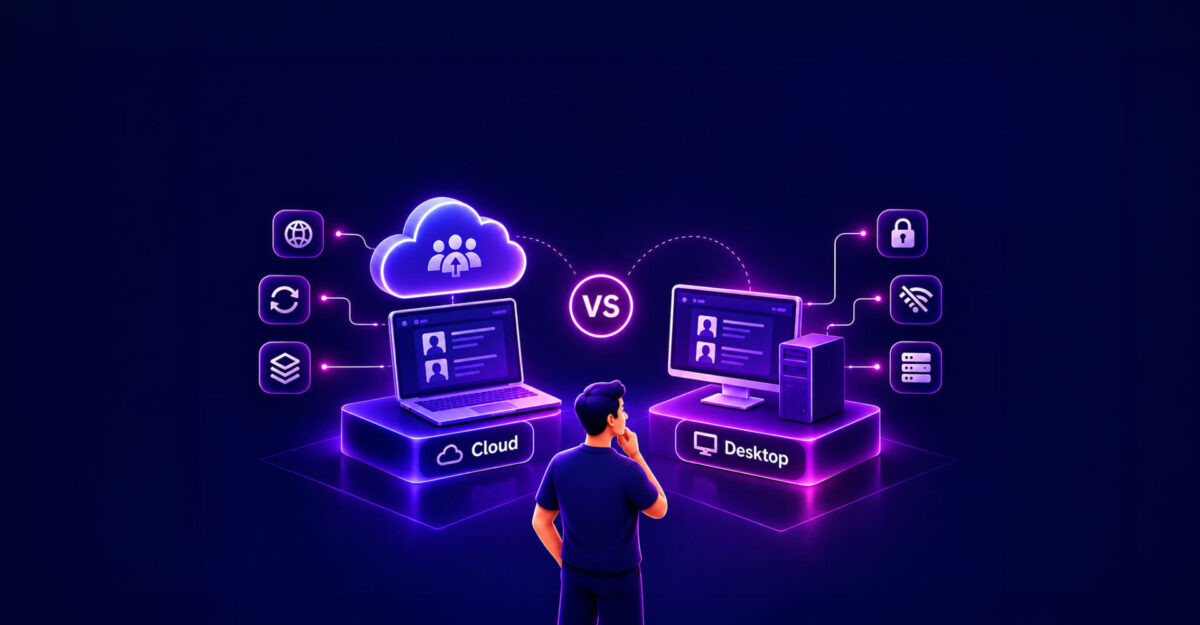
Should your agency keep running on desktop software, or move to the cloud? Here is how the two compare on the things that matter day to day: access, talent communication, data safety, and how you present talent to clients.
The basic difference
Desktop software is installed on specific office computers, and the data sits on those machines or on a local network. Cloud software runs online. You open it in a browser or a mobile app, and the data is stored on the provider’s servers.
1. Access and remote work
When a brief comes in after hours, desktop software makes you wait until someone is at the office, or use a VPN or remote desktop tool. These can be slow, especially with large images and showreels. With cloud software, a booker can build a shortlist, check talent holds, and send a package from a phone or laptop.
2. Talent communication
With desktop setups, bookers often chase talent by text, WhatsApp, and phone to ask if they are free on Tuesday or have updated their digitals. Then someone types the answer into the database by hand. With a cloud platform that has a talent app, talent can add blackout dates, view call sheets, and upload new photos themselves. Changes show up for the whole agency right away, which helps avoid double bookings.
| Feature Area | Desktop Software | Cloud Platform |
| Access | Office computers or LAN | Browser and mobile apps |
| Talent Updates | Calls, emails, manual entry | Talent apps for iOS and Android |
| Client Packages | Often static PDFs or zip files | Live web links with client feedback |
| Updates | Manual upgrades, often needs IT | Rolled out by the provider |
3. Data safety
Hard drives fail, and a laptop can be dropped or spilled on. With desktop software, your backup is only as good as the last time someone ran it. Losing it could mean years of rates, client contacts, and roster notes. With a cloud platform, backups run automatically, and if a laptop breaks you can log in from another device. Cloud is not risk free, so check how any provider handles encryption, backups, and access controls.
4. Presenting to clients
Large PDF attachments often bounce, and plain file-transfer links don’t look professional. Desktop tools usually export static composite cards or PDF decks. Cloud platforms can send a branded web link that clients open on any device, where they can watch reels and give feedback, while you see how they engage.
The trade-offs
Cloud software needs a reliable internet connection and usually a monthly subscription. Moving your existing data also takes some effort. For most agencies with remote bookers and talent who update from their phones, the speed and access are worth it.
Where StarAgent fits
StarAgent is a cloud platform for talent agencies. It includes talent mobile apps, shared calendars, customizable booking workflows, and AI talent discovery. There is no server to maintain and no per-talent fee.
Book a demo to see how it works for your agency.